Helpful Guide
QR codes can be useful. They can open a menu, help you sign in, take you to a delivery update, or point you to more information on a letter. The problem is that a QR code hides the web address until after you scan it, which makes it easier for criminals to rush people into the wrong website.
For independent clients and busy families, the safest habit is simple: pause before you scan, and pause again before you tap anything on the page that opens. A genuine-looking square code is not proof that the website behind it is genuine.
The calm version: if you were not expecting the QR code, if it is asking for money or personal details, or if it creates pressure to act quickly, stop and check another way first.
This guide explains the easy warning signs, the safest way to check a QR code, and what to do if you think you have scanned a dodgy one.
Why QR code scams catch people out
A QR code is really just a shortcut to a website or online action. You cannot judge it the way you might judge a normal web link in an email, because the destination is hidden until your phone reads it.
That creates opportunities for scams such as:
- Fake codes stuck over real ones in public places such as car parks, stations, or noticeboards.
- Codes printed on letters, leaflets, or messages that push you towards a false login page.
- Codes that open a page asking for bank details, passwords, or one-time security codes.
- Codes that try to hurry you by claiming there is a refund, a missed payment, or an account problem.
Important: a QR code can be genuine, but the safest check is always the same. Ask yourself who is asking me to scan this, why now, and what will they want me to do next?
Five quick checks before you scan
- Check the setting. Is this code in a place where anyone could have tampered with it, such as a car park machine, poster, or shared noticeboard?
- Look for pressure. Be wary of words such as urgent, final warning, pay now, or account suspended.
- Look for poor print quality or extra stickers. A code stuck on top of another label is a clear warning sign.
- Ask whether you were expecting it. An unexpected QR code in a text, email, or letter deserves a second look.
- Decide whether you really need to use the code at all. In many cases it is safer to go to the organisation’s official website or app yourself instead.
What to do after scanning, before tapping anything
Many phones will show a preview or let you see where the code wants to take you. This is the moment to slow down.
- Read the web address carefully. Check for misspellings, extra words, or strange endings.
- Ask whether the address matches the organisation you expected. A parcel company, GP surgery, or council should not send you somewhere unrelated.
- Do not sign in straight away. If the page asks for passwords, card details, or security codes, stop and verify it first.
- Close the page if anything feels off. You do not need to prove it is a scam before you stop using it.
Safer habit: if the QR code claims to be from your bank, broadband provider, HMRC, or another important service, open the official app or type the official website address into your browser yourself instead of continuing from the code.
Signs the page behind a QR code may be fake
Once the page opens, look for clues before you do anything else.
- The address does not look right or uses odd spellings.
- The page asks for too much too quickly, such as full banking details, passwords, or a one-time code.
- The design looks rough or the wording feels awkward and inconsistent.
- It warns you not to delay or says there will be a fine, refund loss, or account problem if you do not act immediately.
- It asks you to download something unexpected.
If the page is asking you to log in or pay, and you arrived there only by scanning a code, that alone is a good reason to stop and check independently.
If the QR code says it is from HMRC or another official organisation
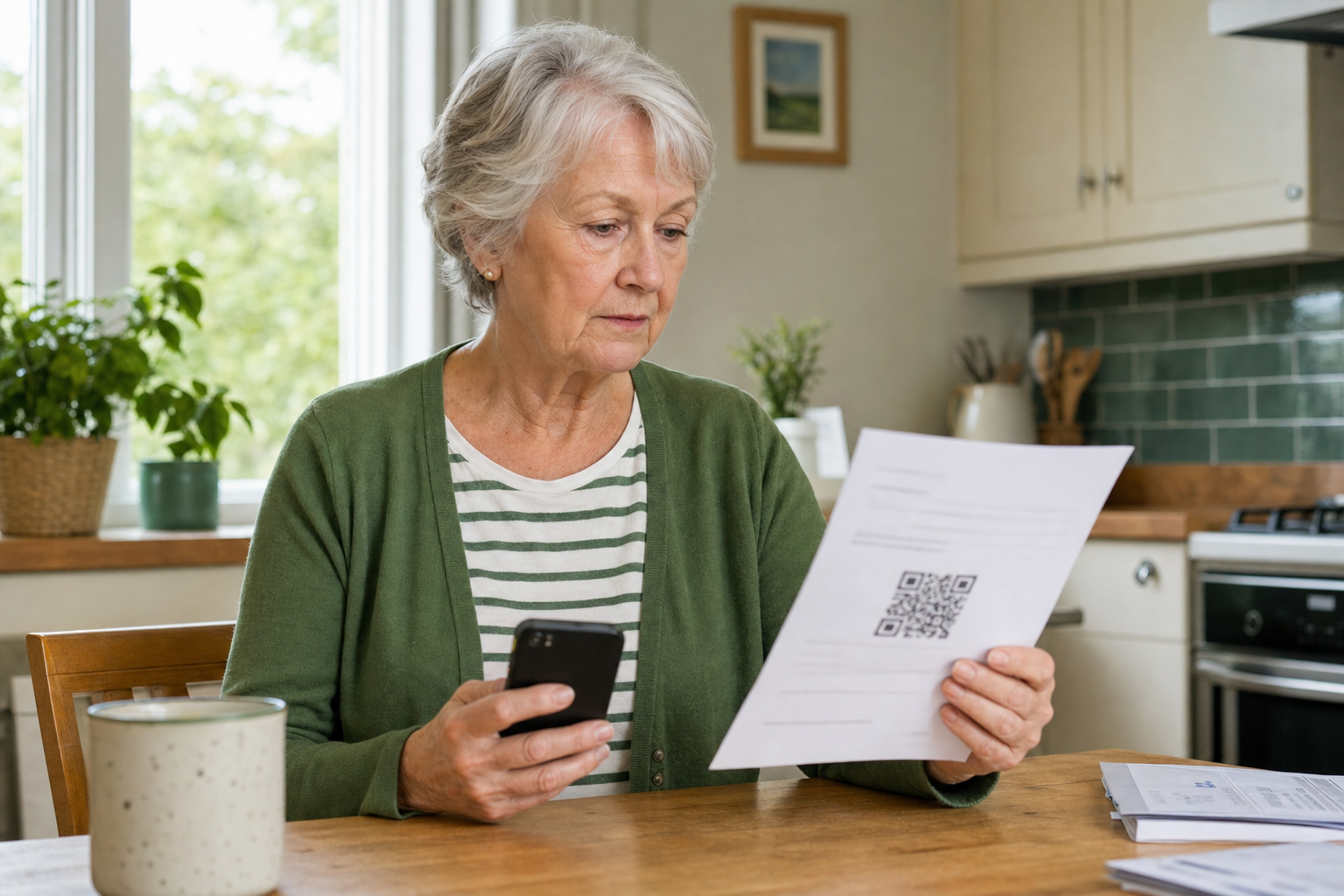
Some official letters do include genuine QR codes. For example, HMRC publishes a GOV.UK page where you can check whether a QR code on certain letters is genuine.
The practical lesson is this: do not assume every official-looking letter is fake, but do not assume every QR code on a letter is safe either. If you are unsure, use the organisation’s official website, a known phone number, or its official app to verify the message.
Good rule: a real organisation will not mind you checking through its normal website or phone number first. Scammers rely on you feeling rushed.
What to do if you think you scanned a scam QR code
If you scanned a code and then felt unsure, take these steps calmly:
- Close the page straight away.
- Do not enter any more information.
- If you typed a password, change it from the official website or app, not from the page you opened through the QR code.
- If you entered card or banking details, contact your bank using the number on your card or the official banking app.
- Run the phone’s normal software updates and keep security settings switched on.
- Report the incident if money, account access, or personal details may be involved.
If the code came through a suspicious email, you can forward the email to the National Cyber Security Centre’s reporting service. If it led to fraud or attempted fraud, you can also report it through the UK police fraud reporting service.
Two safer alternatives to get into the habit of using
- Type the official website address yourself if the QR code claims to be from a trusted organisation.
- Use the official app you already trust rather than a page opened from a code in a letter, email, or poster.
These small habits remove most of the pressure that scammers depend on.
Extra help for suspicious links and online banking
If you would like another calm step-by-step guide, our article on what to do after tapping a suspicious link on your phone explains the next steps in plain English.
If money or payments are involved, you may also find our guide on making online banking on your phone or tablet safer useful.
When patient support can help
Many scams work because they create confusion, not because people are careless. If you are unsure whether a QR code, website, message, or payment request is real, patient one-to-one help can stop a small worry from becoming a bigger problem.
Simply Tech Support helps independent clients and families with suspicious messages, safer phone and tablet use, email checks, online banking confidence, and practical home tech support. You can read more on the Simply Tech Support services page.