Safety Alert
A message that appears to come from HMRC can feel urgent very quickly. It might mention a tax refund, a missed payment, a form that needs attention, or a warning that you must act now. That is exactly why these messages can be so unsettling.
The good news is that you do not need to decide in a rush. A calm two-minute check is often enough to separate a genuine message from a scam.
The safest first step: do not tap the link, do not ring the number in the message, and do not type in your details straight away. Open GOV.UK yourself and check HMRC’s genuine contact guidance first.
That matters even more at the moment because HMRC’s official guidance was updated in June 2026, including its pages for genuine contacts and genuine emails. Some HMRC messages are real, which makes it even more important to know how to check them safely.
The simple rule: pause, then check another way
If a text or email says it is from HMRC, use this routine:
- Pause. Do not click while you feel rushed.
- Open GOV.UK yourself by typing it into your browser or using a saved bookmark.
- Check HMRC’s official list of genuine contacts to see whether the message matches something real.
- Sign in to your HMRC account separately if you need to check a tax matter, rather than using the link you were sent.
This small habit protects you from most message-based scams, even when the wording looks convincing.
Important: a message can look tidy, polite, and official and still be false. Do not trust a message simply because it uses the HMRC name, logo, or serious language.
What makes an HMRC message suspicious?
Scam messages often try to push you into reacting before you think. Warning signs include:
- Urgency, such as “act now”, “final notice”, or “your account will be closed today”.
- A link sent by text or email asking you to sign in, confirm details, or claim money quickly.
- A request for personal, card, or banking details in a way that feels sudden or unexpected.
- A phone number in the message telling you to call immediately.
- Odd wording, strange formatting, or unusual web addresses, even if the message first looks genuine.
Some scams are not badly written at all. That is why the official GOV.UK checking pages are far more useful than trying to judge the message by appearance alone.
What HMRC says to check
HMRC keeps an official list of genuine messages and contact methods on GOV.UK. There is also a separate page for genuine HMRC emails and another for genuine HMRC texts. Those pages are the safest place to compare what you have received.
For example, HMRC’s email guidance was updated on 12 June 2026 and its broader genuine-contact guidance was updated on 23 June 2026. In other words, if something looks uncertain, check the current official list rather than relying on memory or guesswork.
A better habit than checking the sender name: open the official GOV.UK guidance and compare the message there. Scammers can make names and email addresses look more believable than they really are.
A calm 5-point check before you do anything
- Did the message arrive out of the blue? If you were not expecting HMRC contact, be extra cautious.
- Is it pushing you to click right now? Pressure is a common scam tactic.
- Does it ask you to follow a link? A genuine issue can be checked by going to GOV.UK yourself.
- Can you verify it on the HMRC genuine-contact pages? If not, stop there.
- Would you feel comfortable showing it to a family member or support person before acting? If not, leave it alone until you have a second opinion.
If the message mentions a refund or a payment problem
This is where many people feel most pressured. The wording often suggests you might lose money, miss money, or face a penalty unless you respond immediately.
Slow down. A genuine tax issue can still be checked safely by opening GOV.UK yourself and signing in through the normal route. There is no benefit in using the link inside a suspicious message.
If you also want to feel more confident about money-related messages in general, our guide to staying safe with online banking covers a few useful habits that apply here too.
What to do if you think the message is a scam
- Do not reply.
- Do not click the link.
- Do not ring the number inside the message.
- Report it using the official channels.
For suspicious HMRC messages, GOV.UK says you can forward suspicious emails to phishing@hmrc.gov.uk. For suspicious texts, HMRC lists 60599 or phishing@hmrc.gov.uk.
For more general suspicious messages, the National Cyber Security Centre says suspicious emails can be forwarded to report@phishing.gov.uk, and scam texts can be reported to 7726. Ofcom also explains how 7726 works with major UK mobile networks.
If the message turns into a phone call as well: hang up and use a trusted number you found yourself. Do not continue a conversation just because the caller sounds calm or knowledgeable. If nuisance or scam calls are becoming a problem, our guide on reducing nuisance calls on your mobile may help.
What if you already clicked?
Try not to panic. Quick, simple steps still help:
- Stop using the suspicious page immediately.
- If you typed in a password, change it straight away using the real website opened separately.
- If you shared banking or card details, contact your bank immediately.
- Report the message and the website.
- Ask for help if you feel unsure what was shared.
The NCSC also has guidance for what to do if you think you have shared personal information as part of a phishing scam.
A useful habit for independent clients and families
One of the best anti-scam habits is to agree a simple household rule: no one clicks tax, bank, delivery, or account-warning links until someone has checked them calmly first.
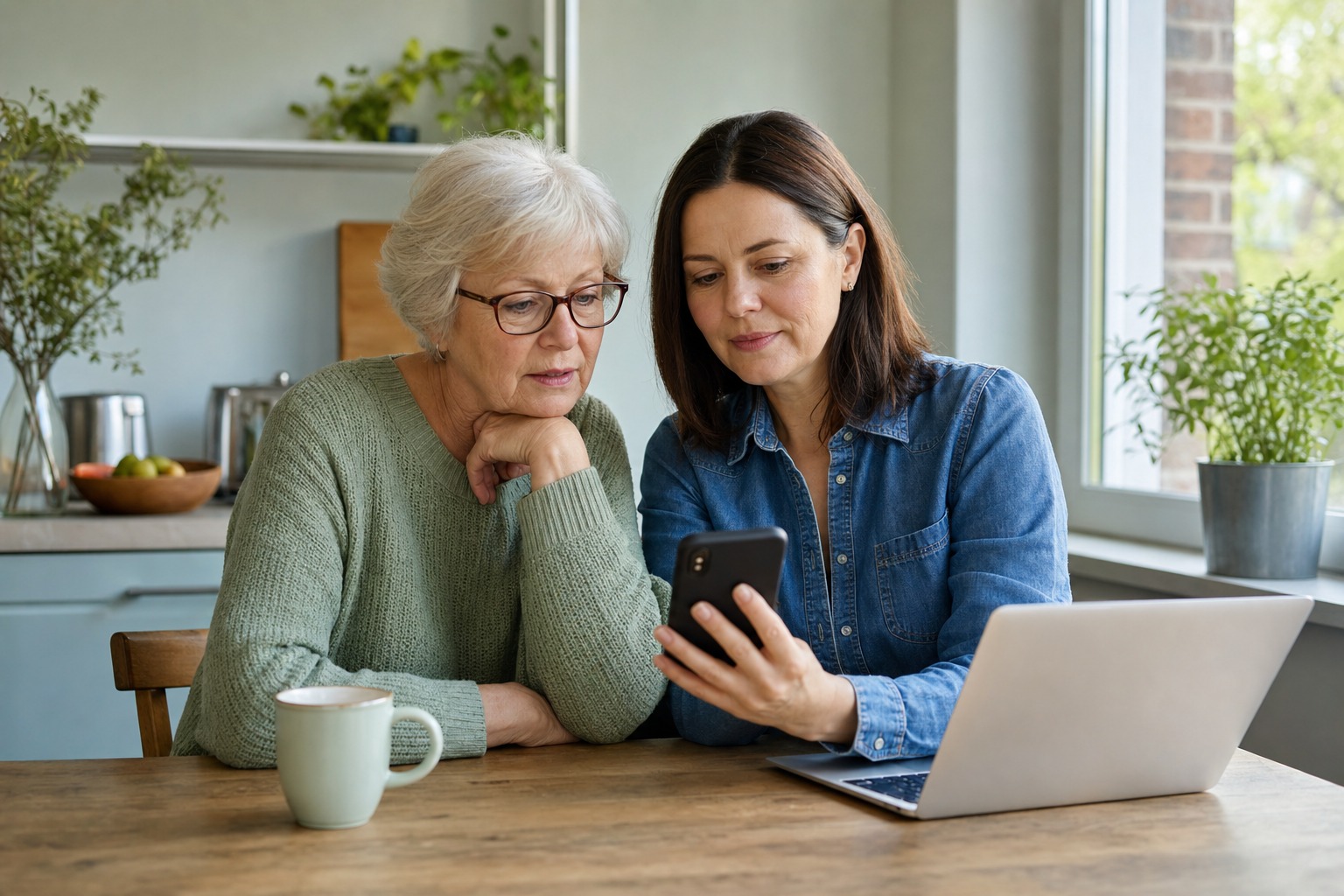
That can mean a quick look together at the kitchen table, a phone call with a relative, or a visit from someone who can open the proper website and check safely. It removes the pressure that scammers depend on.
When it is worth getting help
If suspicious messages keep arriving, or if you want someone’s help setting up a safer routine on your phone, tablet, or laptop, Simply Tech Support can help. That might include checking browser safety, reviewing scam messages with you, improving password habits, or making a device easier to use with confidence at home.
Helpful sources
- GOV.UK: Check genuine HMRC contact that uses more than one communication method
- GOV.UK: Check if an email you’ve received from HMRC is genuine
- GOV.UK: Check if a text message you’ve received from HMRC is genuine
- GOV.UK: Report suspicious HMRC emails, texts, social media accounts and phone calls
- NCSC: Phishing scams – how to spot and report them
- NCSC: Report a scam email
- NCSC: Report a scam text message
- Ofcom: How to report scam texts and mobile calls to 7726