
July 11, 2026/
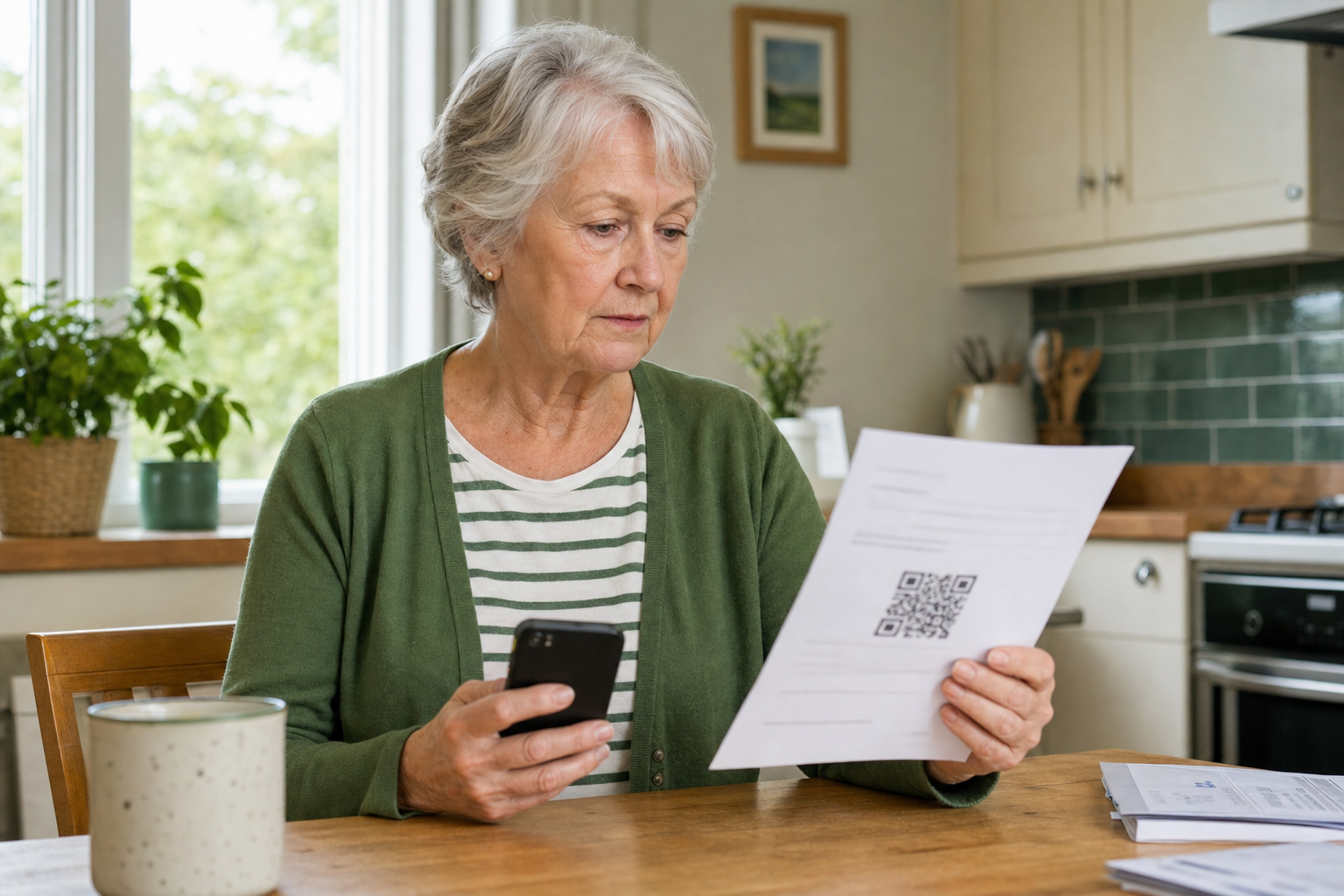
Learn how to scan QR codes more safely, spot warning signs, and know what to do if a code takes you to a suspicious website.
Learn how to scan QR codes more safely, spot warning signs, and know what to do if a code takes you to a suspicious website.
Back up your contacts before switching phones with simple iPhone and Android steps so you do not lose important numbers.

A simple guide to making text easier to read on iPhone, iPad, Android phones and tablets, and Windows laptops.

A calm guide to recognising fake virus warning pop-ups, closing the page safely, and knowing what to do if you already called the number.

A simple guide to setting up a screen lock on your iPhone, iPad or Android device so your messages, photos and banking apps stay safer.

A calm step-by-step guide to getting ready for Zoom, FaceTime, Teams, Google Meet or WhatsApp video calls without last-minute panic.

A practical guide to checking which phones, tablets and laptops are signed in to your email account and removing old devices safely.

A practical guide to turning on 2-step verification for your email account, with simple setup steps for Gmail, Outlook and Apple accounts.

A calm UK guide to safer online banking on your phone or tablet, with simple checks that help independent clients avoid scam links, fake calls and rushed payments.

A calm step-by-step guide to turning on automatic updates on iPhone, iPad and Android so important fixes arrive without the stress.
Privacy and cookies
We use essential cookies and local storage to make this website work, remember your choices and keep enquiry forms secure. Any details you send are used only to respond to your request.