Safety Alert
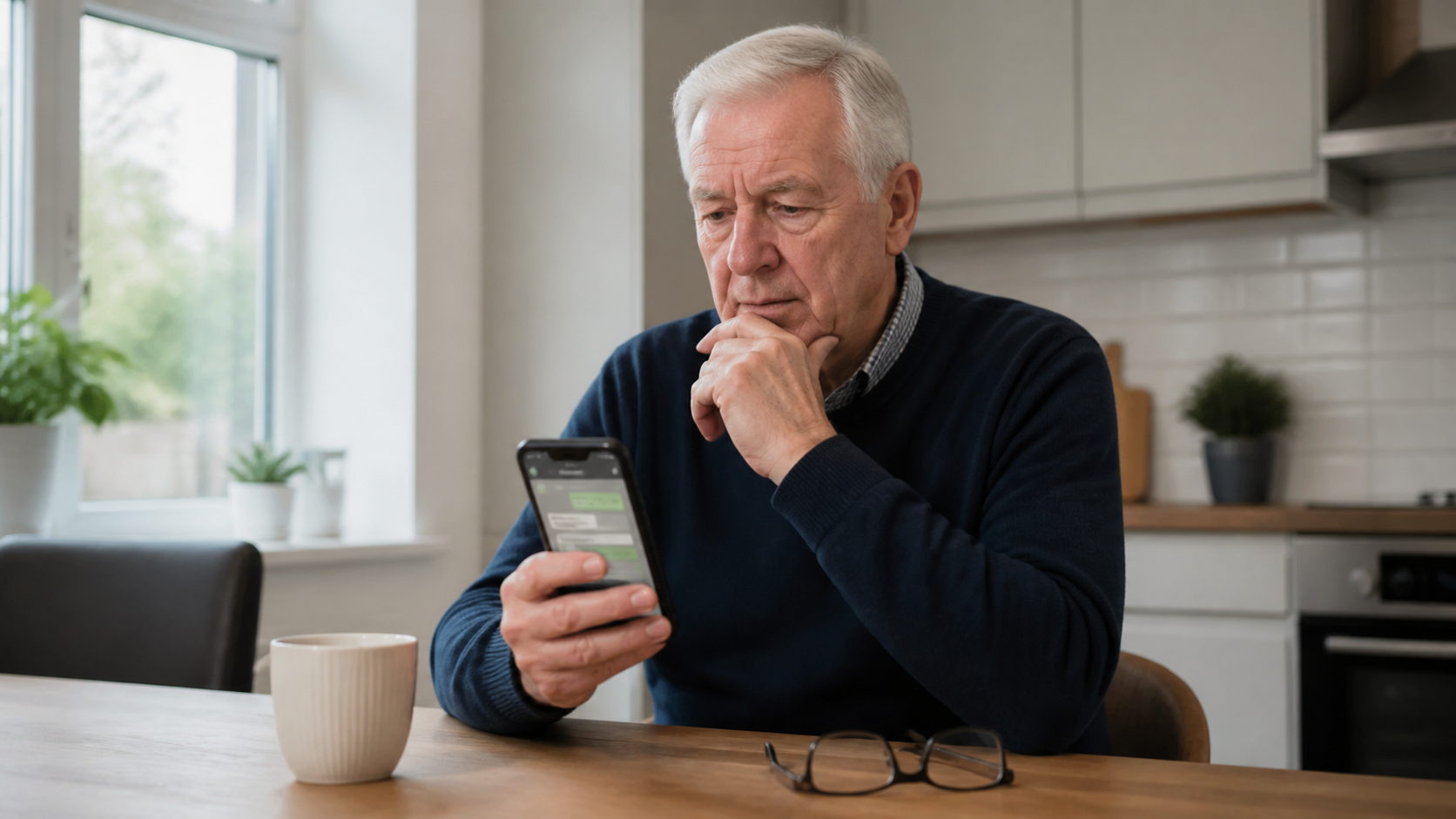
A message arrives from an unfamiliar number saying, “Hi Mum” or “Hi Dad, this is my new phone”. It sounds personal, there is a reason why they cannot talk properly, and then comes the urgent request for money.
This scam works because it tries to make you act before you have time to think. The safest response is not to argue with the sender. It is to pause, step away from the message, and check the story another way.
The short version: do not send money, do not use the number in the message to check the story, and do not feel rude for slowing down. Call the person on their usual number, contact another family member, or verify it face to face before you do anything else.
This guide explains the signs to watch for, the safest way to verify the message, and what to do if you have already replied or sent money.
Why this message can feel convincing
Scammers know that family messages lower your guard. They often pretend to be a son, daughter, grandchild, or other relative and say they have:
- Lost or broken their phone and are using a temporary number.
- Been locked out of banking and need you to make a payment for them.
- An urgent bill that must be paid today.
- A problem speaking on the phone and can only message for now.
Take Five and Ofcom both warn about this type of impersonation scam. The wording may sound calm, polite, and believable. That does not make it genuine.
Important: a WhatsApp profile photo, familiar name, or friendly tone is not proof that the sender is really your relative. Photos can be copied, and names can be changed in seconds.
Signs you should stop straight away
One sign on its own does not prove a scam, but several together should make you very cautious.
- The message comes from a new number and asks you to save it straight away.
- There is pressure to act quickly, especially if money is involved.
- You are told not to ring, or given a reason why they cannot answer properly.
- The sender wants a bank transfer rather than ordinary family contact.
- The story jumps quickly from greeting to payment.
- You are asked to keep it quiet or not bother anyone else.
NCSC guidance on scams is simple here: if something feels suspicious, stop and break the contact. That pause is often enough to protect you.
How to check the message safely
The safest check is always through a route you already trust, not the one the message gives you.
- Do not reply with personal details or money. Even a short reply confirms that your number is active.
- Call the relative on the old number you already have.
- If they do not answer, try another trusted route. For example, ring their partner, another family member, or use a different messaging app you already share.
- Ask a question only the real person would know if you do end up speaking to them.
- Take your time. A genuine family member may be inconvenienced for a few minutes, but they will usually be relieved you checked.
A good rule: never use the new number inside the message as the only proof. If the sender says their old phone is gone, verify them through someone else who already knows them.
What you should never do
- Do not transfer money just because the message sounds warm or urgent.
- Do not share one-time passcodes or security codes sent to your phone.
- Do not click payment links or “bank verification” links in the chat.
- Do not send a photo of your bank card, passport, or driving licence.
If the conversation starts asking for security codes as well as money, read our guide on what to do if someone asks for the one-time passcode just sent to your phone.
If you already sent money
Act quickly. Speed matters more than embarrassment here.
- Contact your bank immediately using the number on your card or the official banking app.
- Tell the bank you may have been tricked by an impersonation scam.
- Report it to Report Fraud if you are in England, Wales, or Northern Ireland. If you are in Scotland, report it to Police Scotland.
- Keep screenshots of the messages, number, and payment details if you still have them.
- Block the sender after you have saved what you need.
If you clicked a strange link during the conversation, our guide on what to do after tapping a suspicious link on your phone is the next place to look.
How to report and block it on WhatsApp
Ofcom now advises that if a suspicious message arrives through an app such as WhatsApp, you should use the app’s own tools to block and report the sender.
- Open the chat.
- Use WhatsApp’s block or report option.
- Delete the chat afterwards if you no longer need it for evidence.
If the scam also reached you by ordinary SMS text, you can usually forward that text to 7726 to report it to your phone provider.
A few simple habits that make this scam less likely to work
- Tell close family now that you will always verify any money request another way.
- Keep important family numbers saved clearly so you are not relying on memory under pressure.
- Be cautious with social media details that help scammers guess family names and relationships.
- Review your WhatsApp privacy settings so strangers can see less about you.
If you want help tightening your app settings, our guide on changing WhatsApp privacy settings on your phone is a useful follow-up.
When patient support helps
Messages like this are upsetting because they sound personal. Even confident people can feel rattled when a text or WhatsApp message appears to come from family and mentions money.
Simply Tech Support helps independent clients and families with scam checks, WhatsApp settings, suspicious messages, safer online habits, and calm one-to-one support at home. You can read more on the Simply Tech Support personal tech support page.