
July 26, 2026/
A calm, practical guide to checking whether a password reset email is real, avoiding phishing links, and securing your account safely.
A calm, practical guide to checking whether a password reset email is real, avoiding phishing links, and securing your account safely.
A calm UK guide to unexpected one-time passcodes and card-added-to-wallet alerts, including what to do if your bank says your card was added to Apple Pay or Google Wallet.

A calm guide to spotting suspicious remote-access requests and what to do if someone asks you to install AnyDesk, TeamViewer, or Quick Assist.
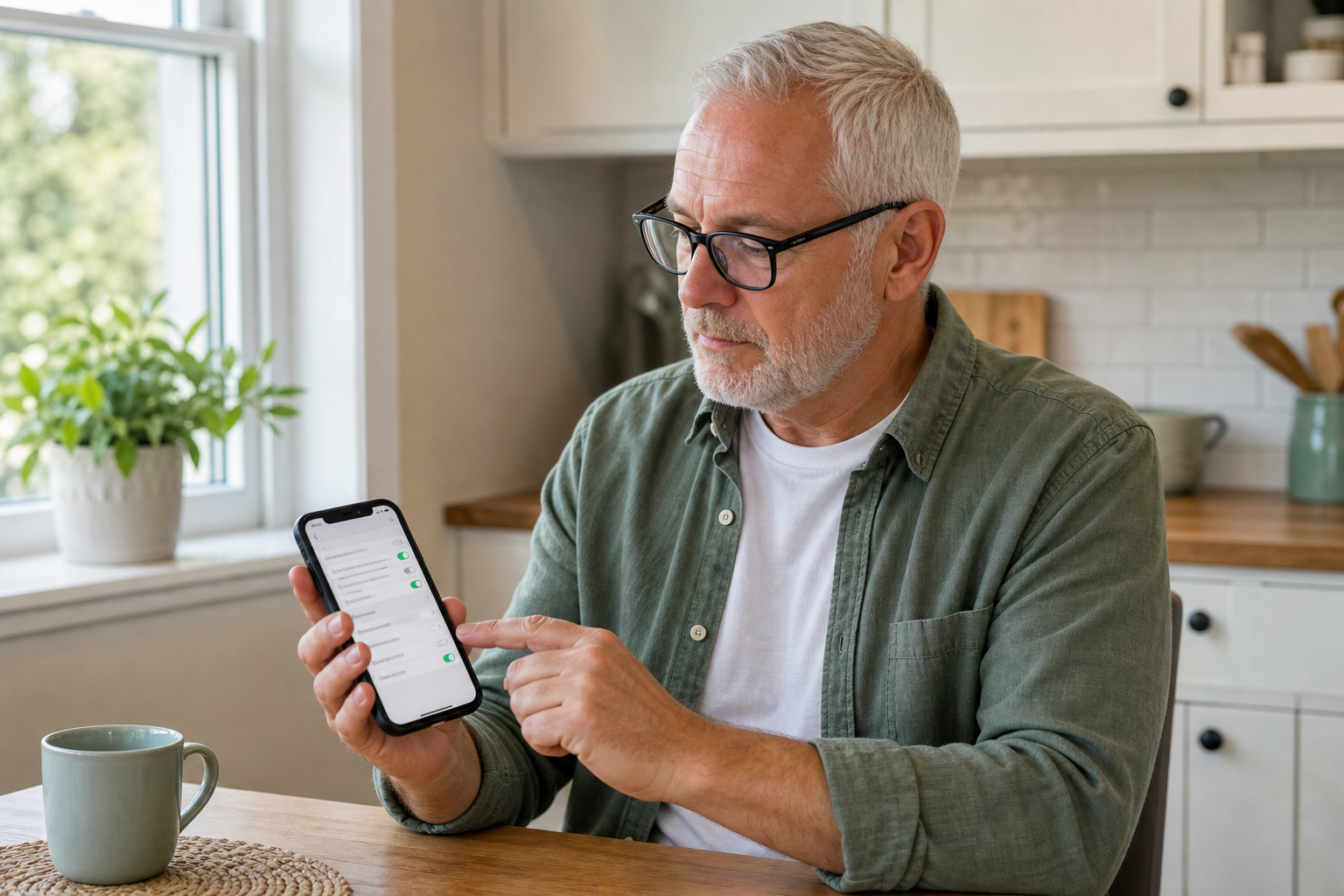
Learn how to change WhatsApp privacy settings on your phone, including profile photo, last seen, status, read receipts, groups and blocking unwanted contacts.
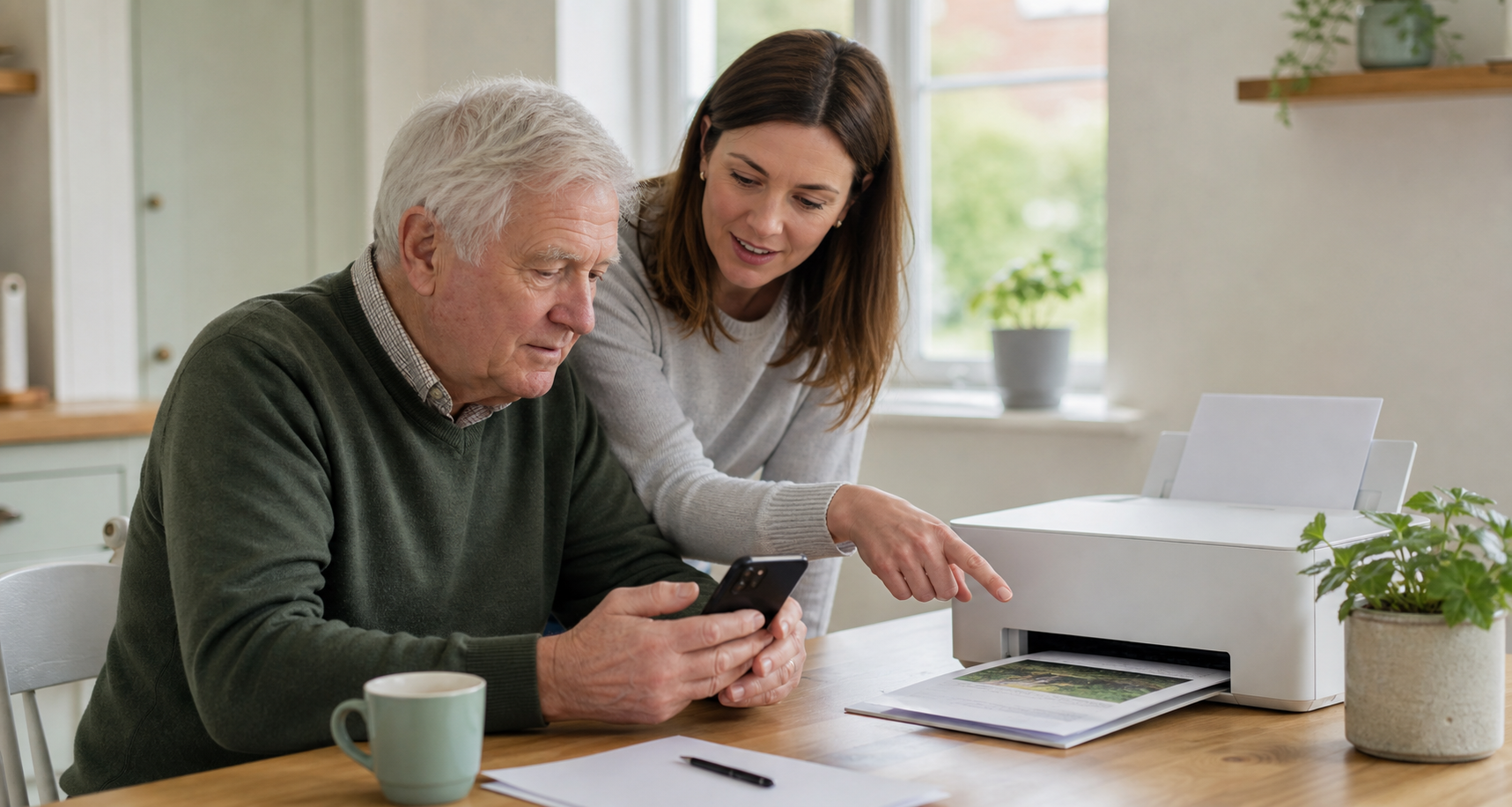
Simple steps to print photos, emails and documents from your iPhone, iPad or Android phone or tablet at home, plus what to do if the printer does not appear.
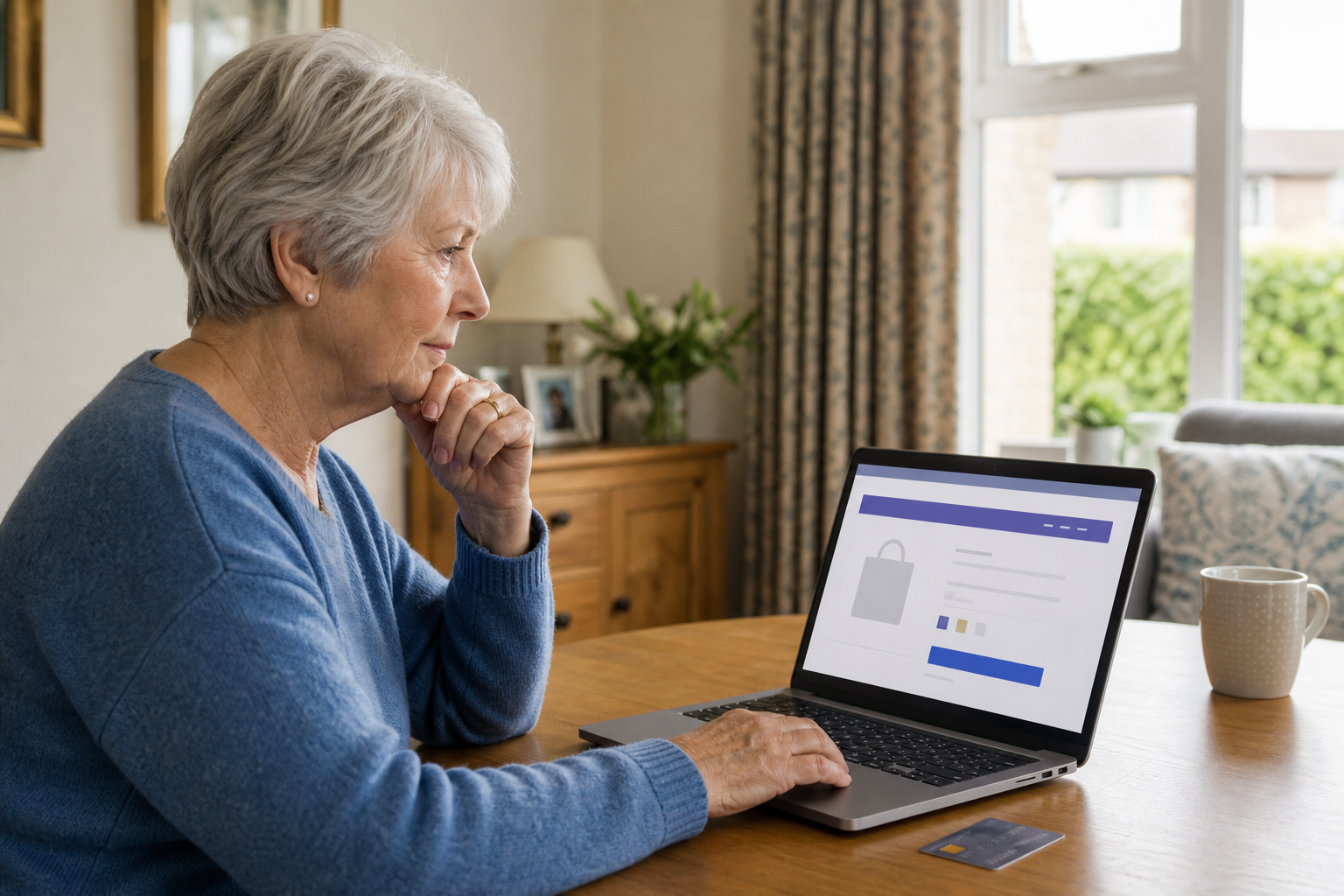
A calm, practical guide to checking whether a website is safe before you enter bank, card, or personal details.

A calm step-by-step guide for independent clients and families when a phone or tablet freezes and stops responding.

A calm step-by-step guide to connecting a new phone, tablet or laptop to your home Wi-Fi, with simple checks for passwords, router names, and common setup problems.
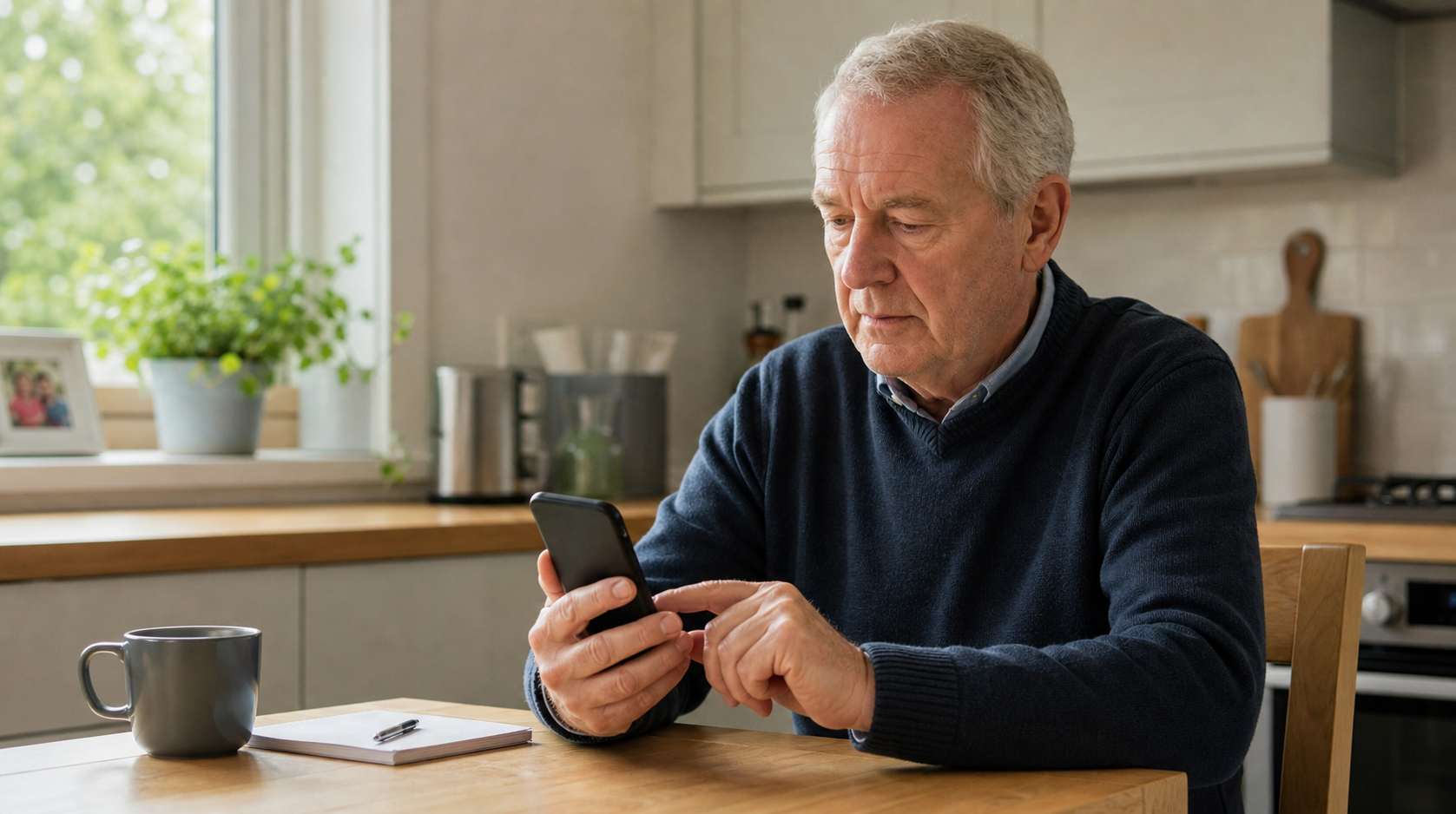
A simple guide to turning off noisy phone notifications on iPhone or Android while keeping calls, messages and important alerts easy to spot.

Learn how to review app permissions on your phone, switch off access you do not need, and keep camera, microphone, location, contacts, and photos under control.
Privacy and cookies
We use essential cookies and local storage to make this website work, remember your choices and keep enquiry forms secure. Any details you send are used only to respond to your request.